

SUNLU 2026 Top 5 Filaments

PLA

PLA+ (PLA Plus)

PETG

SILK PLA+

Rainbow Filament
Choose Your 3D Printing Mates
A single drying cycle can eliminate 99.99% of 3D printing troubles.
SUNLU FilaDryer S4 Pro
Dual-Zone Filament Dryer with Independent Temperature & Time Control, 85℃ Max Temperature, Drying & Annealing 2-in-1
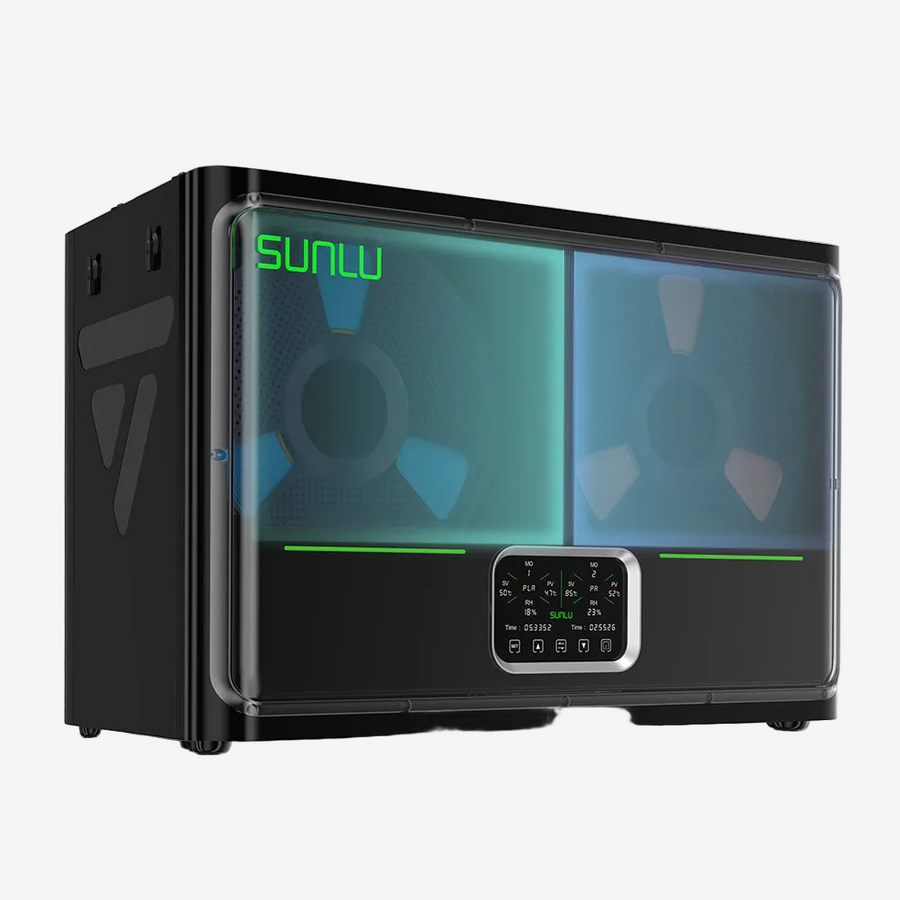
SUNLU FilaDryer E2
Up to 110℃, Professional Drying and Annealing, Born for Engineering 3D Printing Filament
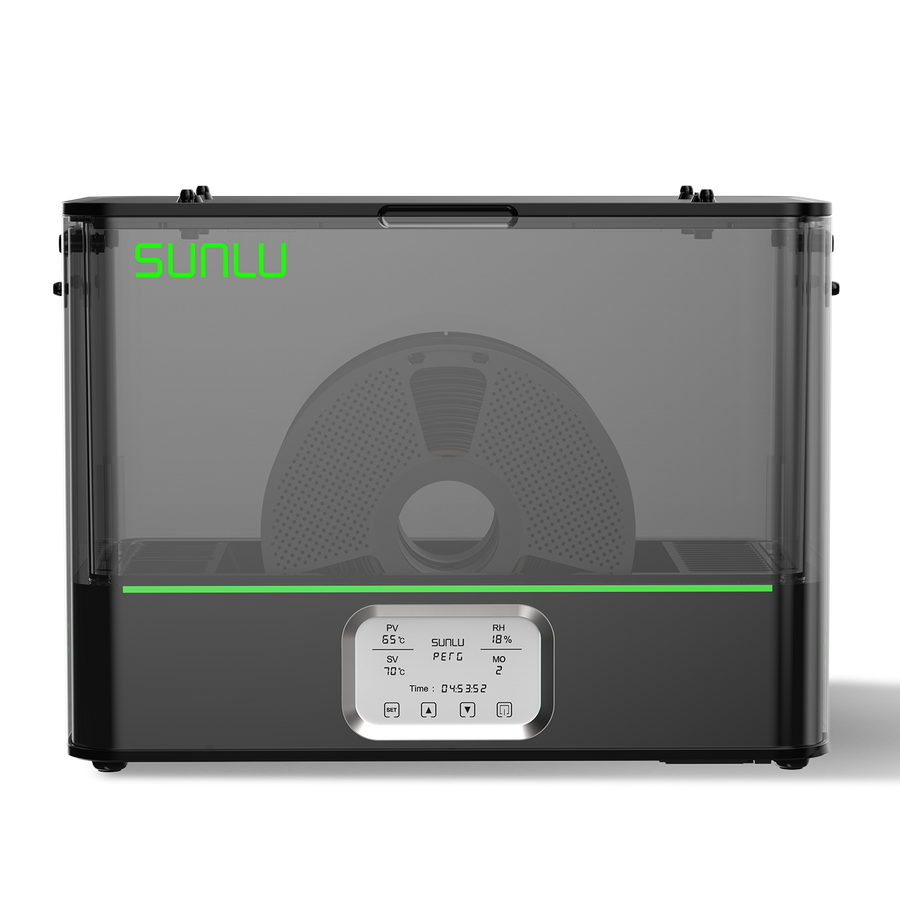
SUNLU FilaDryer S4
The World's 1st FilaDryer with a capacity of 4 spools. Temperature Balance and High Efficiency
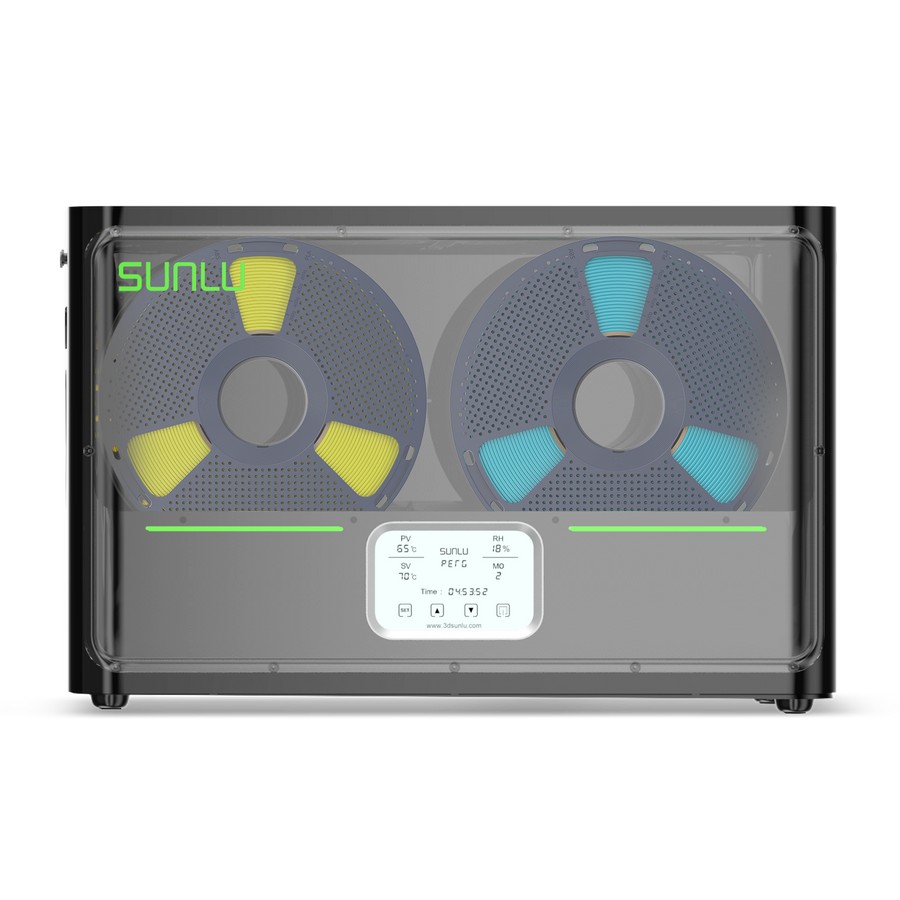
SUNLU FilaDryer SP2
Split-type 3D Printer Filament Dryer. 2-IN-1 Filament Dryer Combine with Storage Box
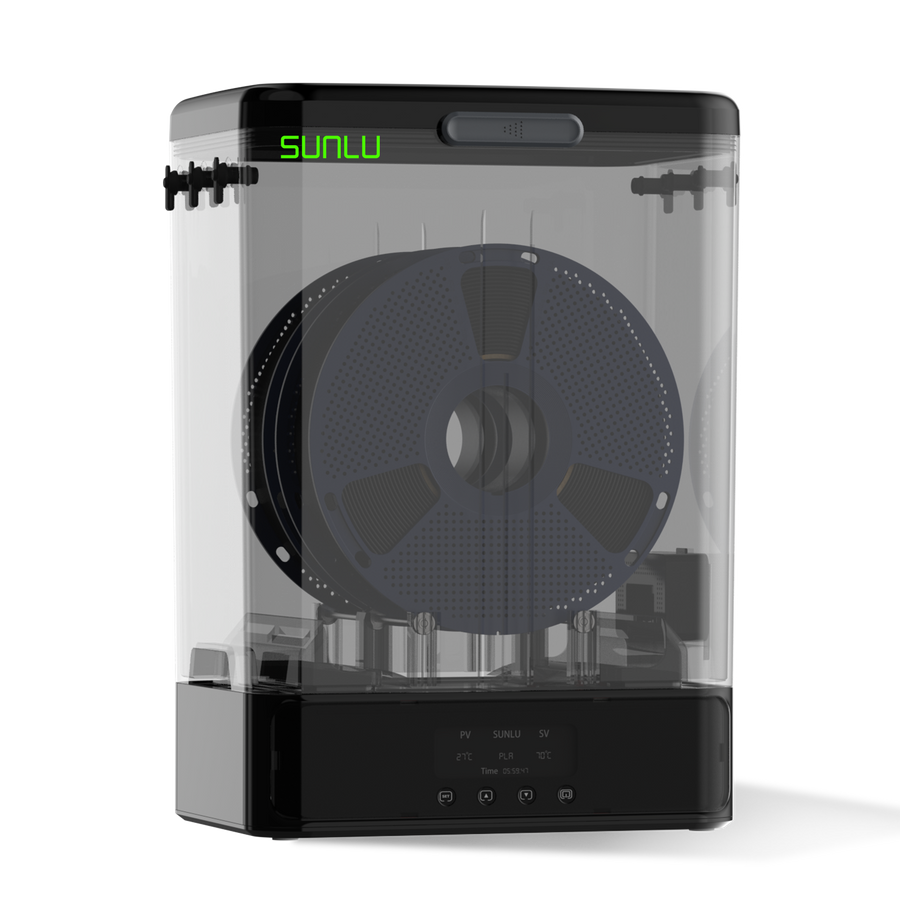
SUNLU FilaDryer S2
Best Dryer for Beginner, Up to 70℃, 360° Surround Heating During 3D Printing
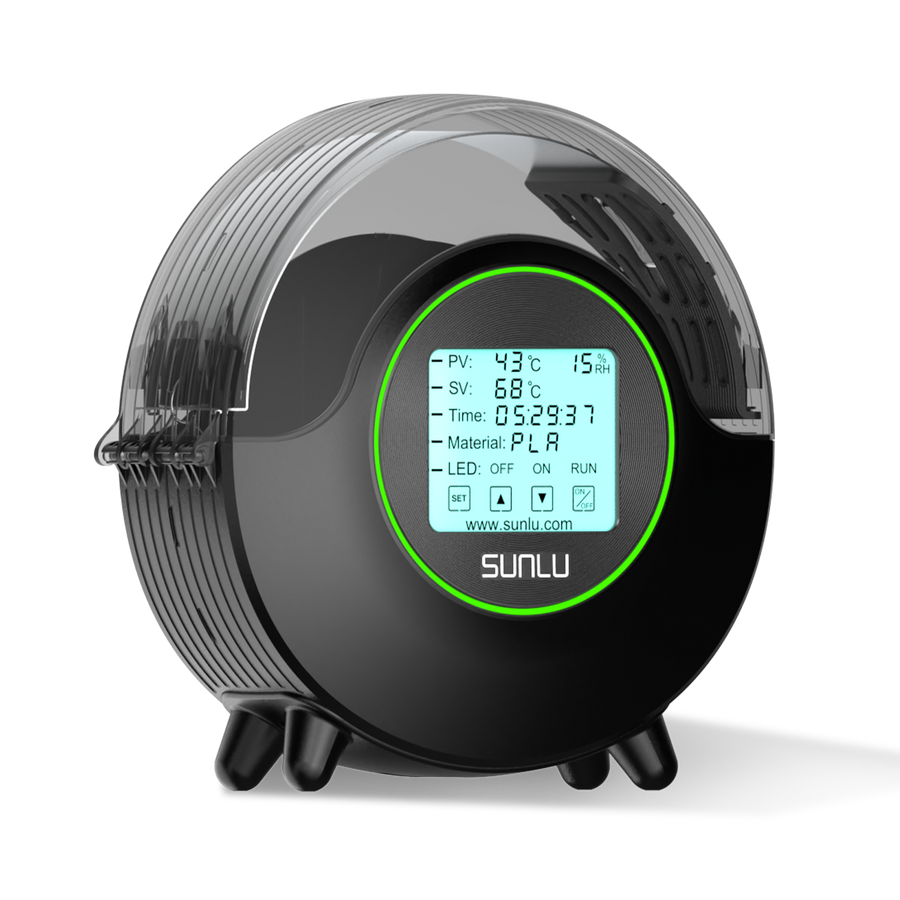
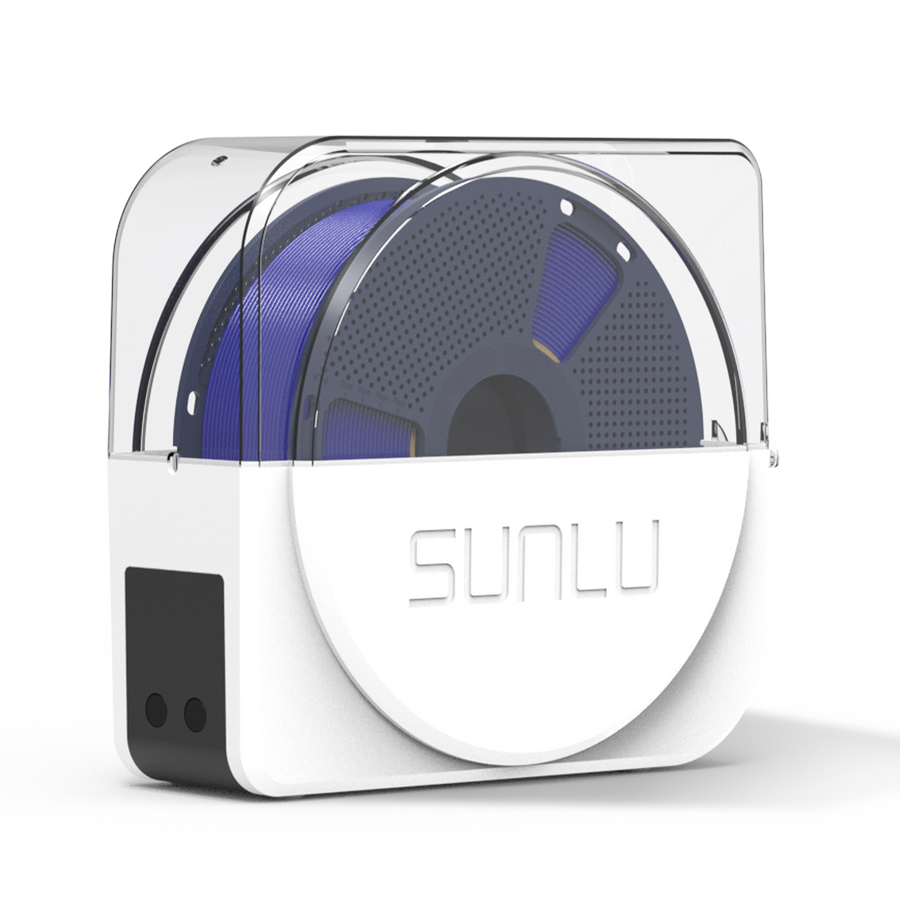
SUNLU FilaDryer S1 Plus
Built-in Circulating Fan, the Best 3D Printer Filament Dryer for Beginners.
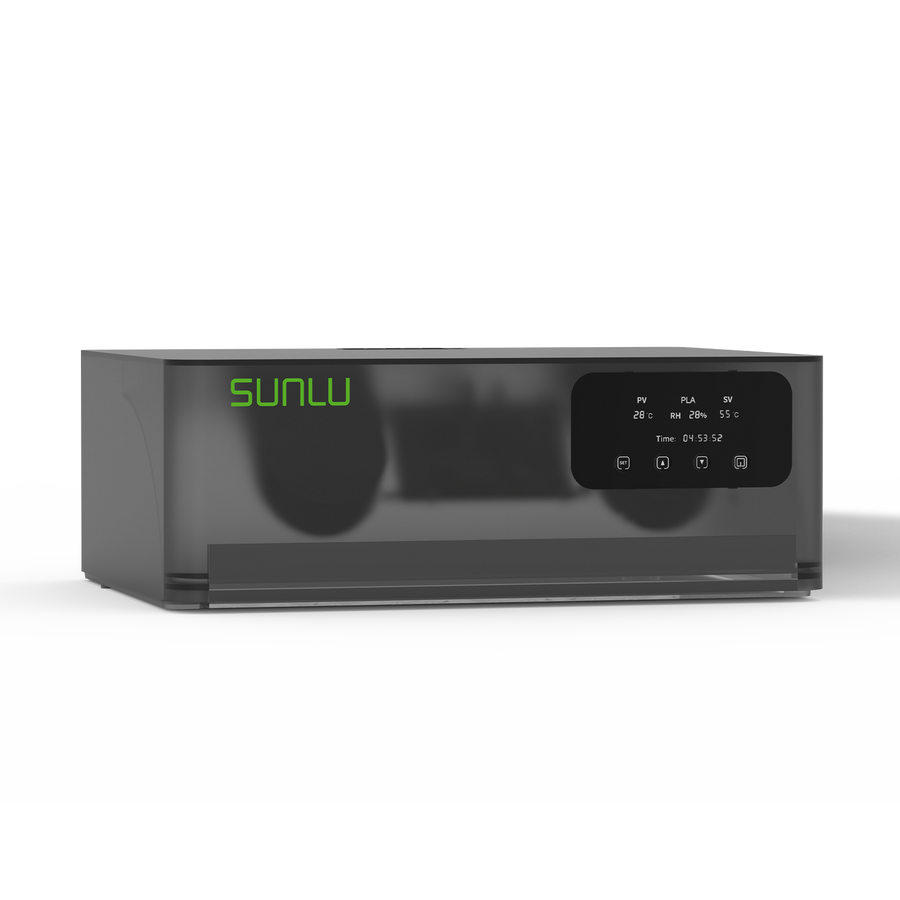
SUNLU AMS Lite Heater
Upgraded your Bambu Lab AMS Lite with Dual Air-flow circulation, Drying while Printing
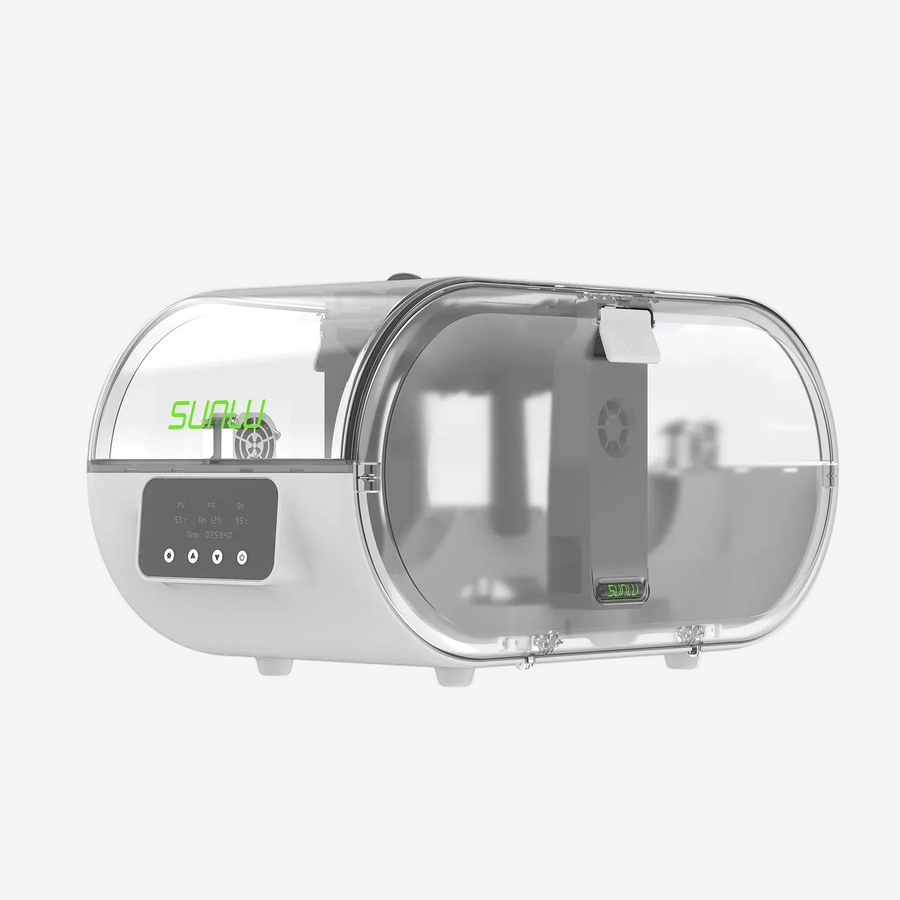
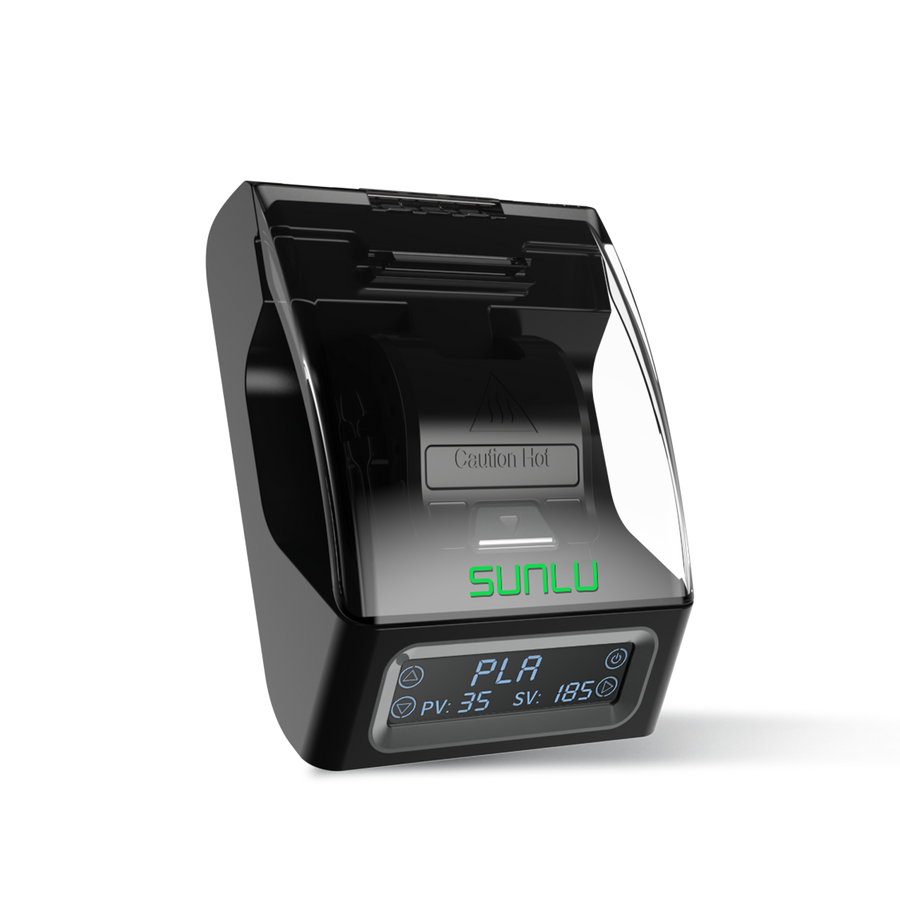
SUNLU Filament Connector FC01
DIY Used Filament. Fusion Splicer, Weldable to 1.75mm PLA, ABS, PETG, PCL, PA and PC 3D Filament
📩 Subscribe & Get 5%off for Your First Order
👉 Start printing today — your first successful print is closer than you think.
Your First 3D Print · Step‑by‑Step
-

Step 1|Download a Simple Model
Model Sharing Community: Makerworld, Thingiverse, Cults 3D, Printables, Makeroad, etc.
-

Step 2|Import the Model into Slicer
Slicer Software: Bambu Studio, Cura, PrusaSlicer etc. (Use the default settings and parameters for the first time.)
-

Step 3|Choose the Right Filaments
Best for First‑Time Users: SUNLU PLA / PLA+ Filament, stable, reliable, and compatible
-

Step 4|Send the File to your Printer
- Standard Printers:
Export file → Copy to SD card → Insert into printer → Start printing - Network‑enabled Printers:
Send directly from slicer → Use preset profiles → One‑click print
- Standard Printers:


Easy Model Ideas for Beginners
💡 Tip: Choose models with flat bases, simple shapes, and minimal supports.

Toys
@Makeroad Official
These simple 3D-printed toys allow even beginners to experience the fun of assembly.
Recommended Materials:
SUNLU PLA+, PETG
Download & Print >

Tools
@Makeroad Official
3D printing can be used to create simple tools that meet basic needs for home use, camping, storage, and more.
Recommended Materials:
PETG
Download & Print >

Night‑light
@Makeroad Official
A simple 3D printable model of a night light or lampshade, suitable for a bedroom.
Recommended Materials:
SUNLU Matte PLA, PETG
Download & Print >

Arts
@WallArt Heaven
Some simple decorative art pieces are also highly recommended for beginners to try.
Recommended Materials:
SUNLU PLA+, PETG
Download & Print >

Storage Box
@Makeroad Official
Storage boxes are among the most practical 3D printed models and a favorite among beginners, as they can greatly optimize home space.
Recommended Materials:
SUNLU PLA+
Download & Print >

Phone Stand
@SUNLU Official
Phone stands are also among the most practical and easily customizable simple models that beginners often 3D print.
Recommended Materials:
SUNLU PLA+2.0, PETG
Download & Print >

Keychain
@HUATIANXIAOMAO
Keychains are easy to print. They are the most suitable small items for mass production printing.
Recommended Materials:
SUNLU PLA+
Download & Print >

Farfalle Pasta Vase
@Makeroad Official
Decorative vases for everyday home decor are very suitable for beginners to try.
Recommended Materials:
SUNLU PLA/PLA+ Yellow
Download & Print >
Beginner Tips to Avoid Failed Prints
Get Started! Beginner Filament Discount
Collapsible content
Check Filament Condition (Very Important)
Check Filament Condition (Very Important)
- Gently bend a short piece of filament
- If it snaps easily, it may be too moist or old
Best practice:
- Use fresh filament
- Dry filament before printing
- Ideal moisture level: 10–20% (lower is better)
Make Sure the Build Plate Is Leveled
Make Sure the Build Plate Is Leveled
- An unlevel bed causes poor adhesion and warped prints
- Many modern printers support auto bed leveling
Tip: Always watch the first layer
Use Correct Nozzle & Bed Temperatures
Use Correct Nozzle & Bed Temperatures
- Incorrect temperatures can cause clogging, stringing, or weak adhesion
Tip: Use the filament manufacturer’s recommended settings
Not Every Model Prints Well
Not Every Model Prints Well
- Preview layers in the slicer
- Ensure enough contact area with the build plate
If needed:
- Add supports
- Enable skirt or brim
Cooling Fan Settings Matter
Cooling Fan Settings Matter
- Higher fan speeds help PLA and TPU
- Improves overhangs and bridges
Always Preheat Before Printing
Always Preheat Before Printing
- Cold starts may cause under‑extrusion or first‑layer failure
Recommended workflow:
Preheat nozzle → Wait for stable temperature → Load filament → Confirm smooth extrusion → Start printing

