

SUNLU 2026 Top 5 Filaments

PLA

PLA+ (PLA Plus)

PETG

SILK PLA+

Rainbow Filament
Choose Your 3D Printing Mates
A single drying cycle can eliminate 99.99% of 3D printing troubles.
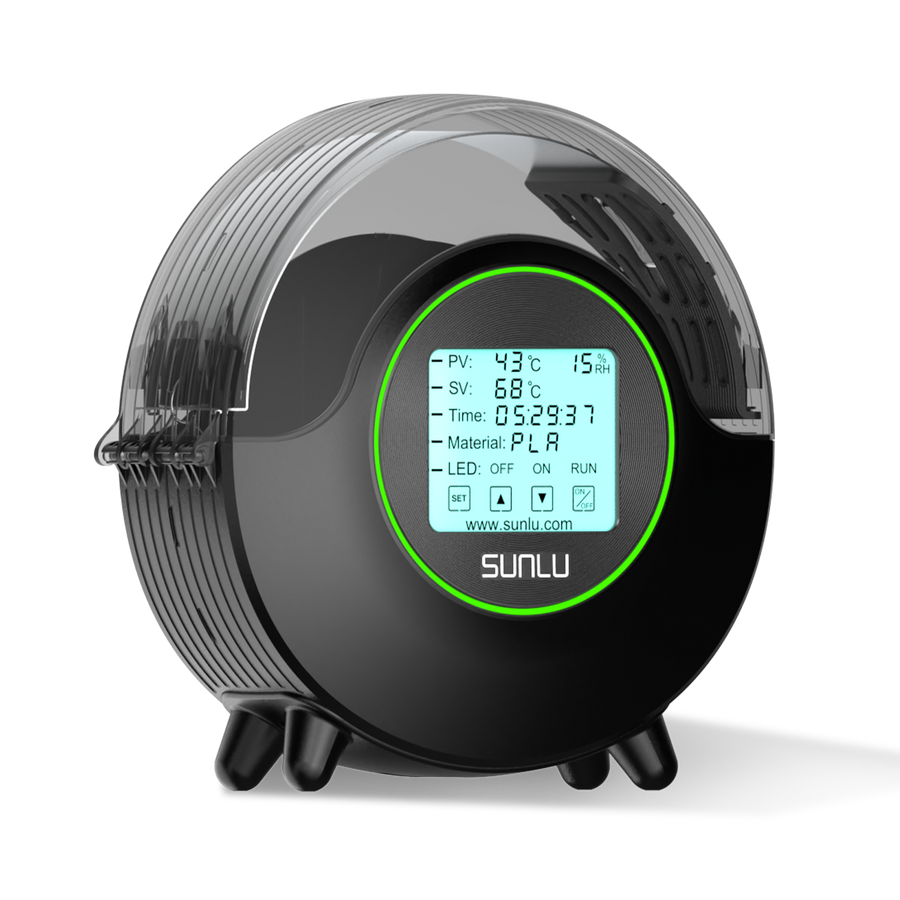
SUNLU FilaDryer S2
Best Dryer for Beginner, Up to 70℃, 360° Surround Heating During 3D Printing
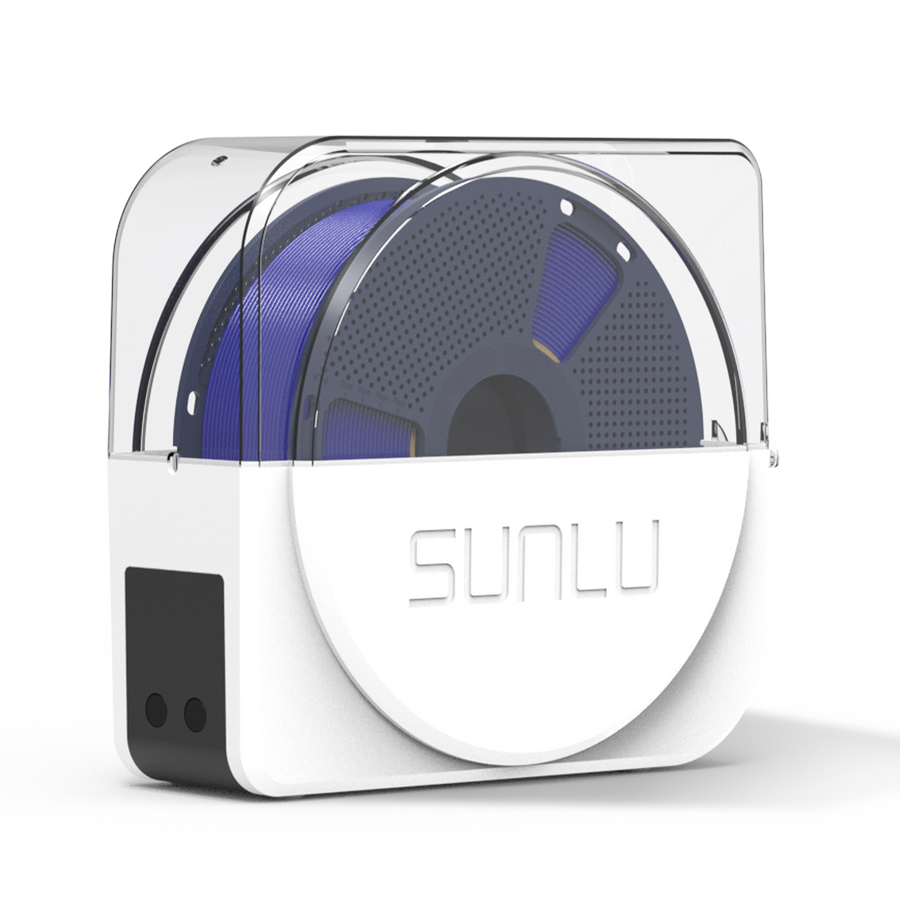
SUNLU FilaDryer S1 Plus
Built-in Circulating Fan, the Best 3D Printer Filament Dryer for Beginners.
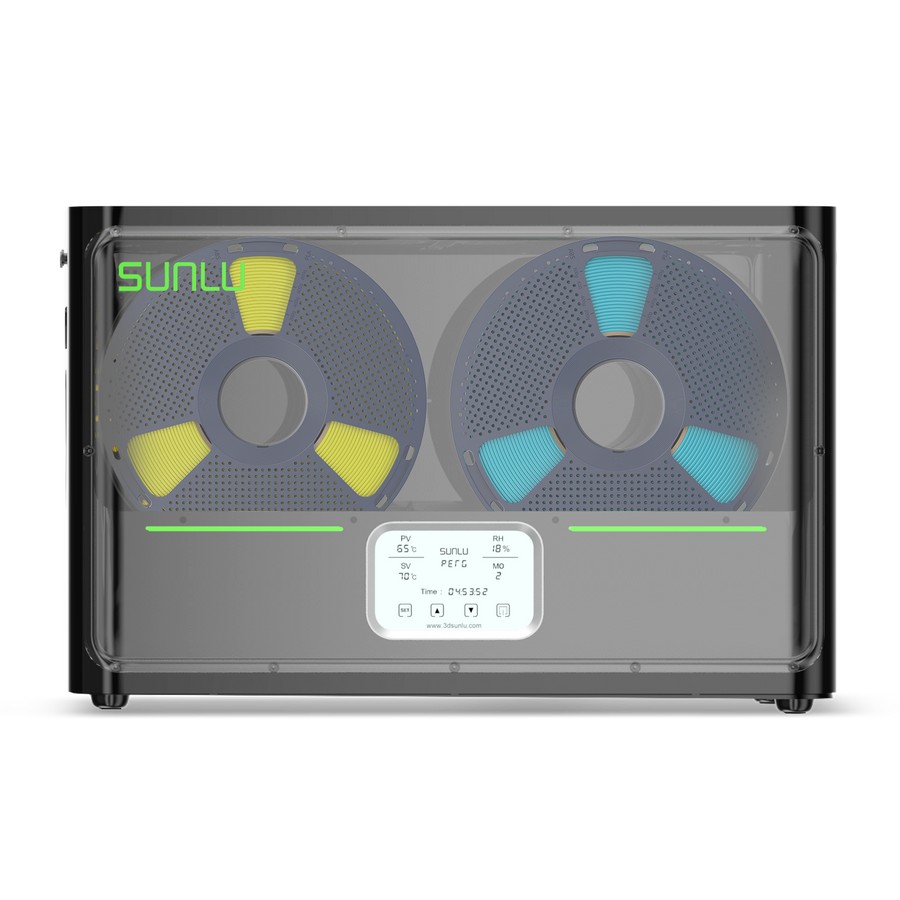
SUNLU FilaDryer S4
The World's 1st FilaDryer with a capacity of 4 spools. Temperature Balance and High Efficiency
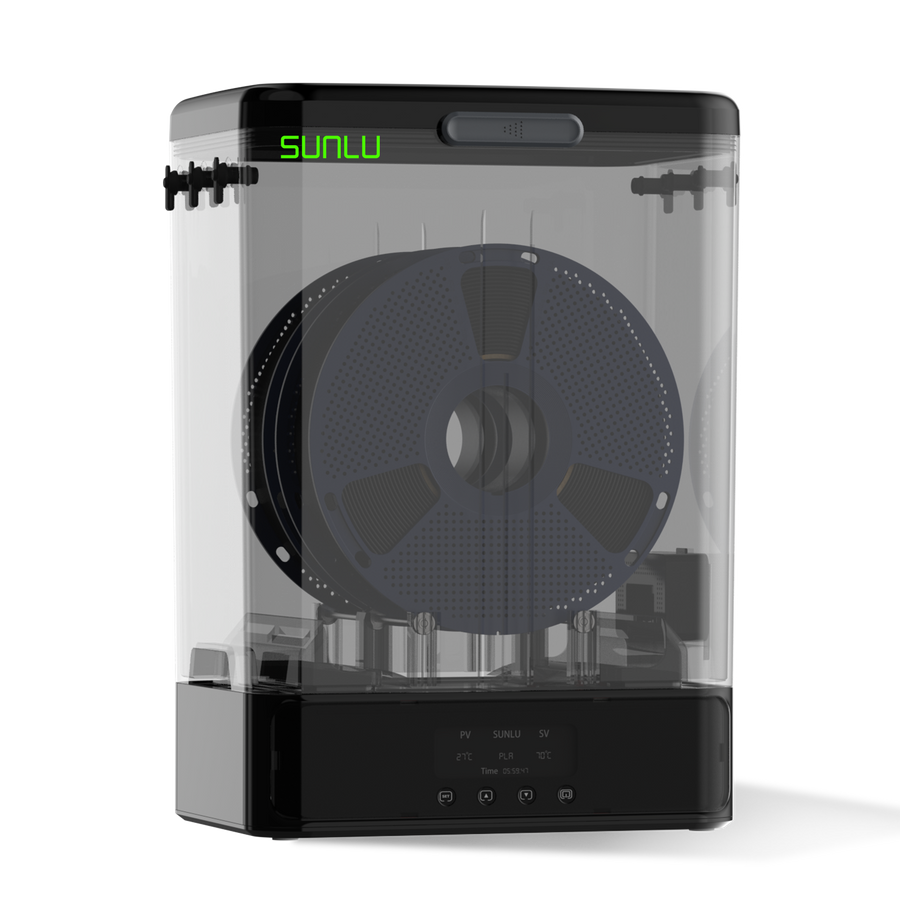
SUNLU FilaDryer SP2
Split-type 3D Printer Filament Dryer. 2-IN-1 Filament Dryer Combine with Storage Box
SUNLU FilaDryer E2
Up to 110℃, Professional Drying and Annealing, Born for Engineering 3D Printing Filament
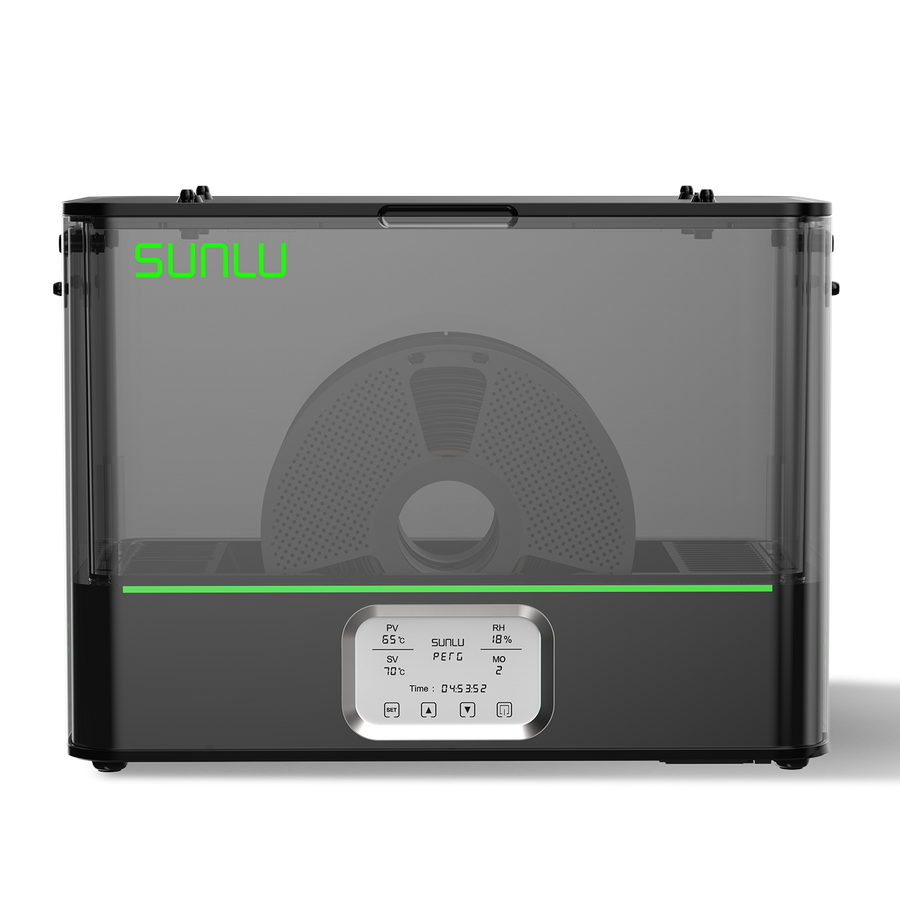
SUNLU AMS Heater
Upgraded your Bambu Lab AMS, Enables Drying while Printing
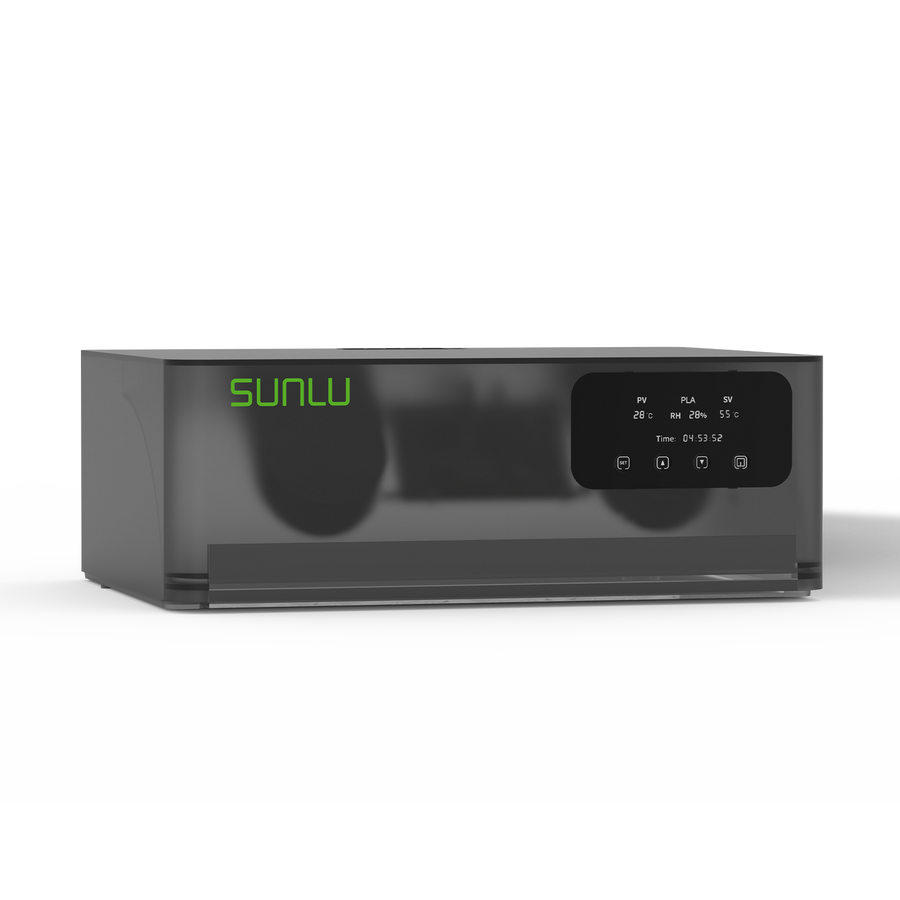
SUNLU Filament Connector FC01
DIY Used Filament. Fusion Splicer, Weldable to 1.75mm PLA, ABS, PETG, PCL, PA and PC 3D Filament
📩 Subscribe & Get 5%off for Your First Order
👉 Start printing today — your first successful print is closer than you think.
Your First 3D Print · Step‑by‑Step
-

Step 1|Download a Simple Model
Model Sharing Community: Makerworld, Thingiverse, Cults 3D, Printables, Makeroad, etc.
-

Step 2|Import the Model into Slicer
Slicer Software: Bambu Studio, Cura, PrusaSlicer etc. (Use the default settings and parameters for the first time.)
-

Step 3|Choose the Right Filaments
Best for First‑Time Users: SUNLU PLA / PLA+ Filament, stable, reliable, and compatible
-

Step 4|Send the File to your Printer
- Standard Printers:
Export file → Copy to SD card → Insert into printer → Start printing - Network‑enabled Printers:
Send directly from slicer → Use preset profiles → One‑click print
- Standard Printers:


Easy Model Ideas for Beginners
💡 Tip: Choose models with flat bases, simple shapes, and minimal supports.

Toys
@Makeroad Official
These simple 3D-printed toys allow even beginners to experience the fun of assembly.
Recommended Materials:
SUNLU PLA+, PETG
Download & Print >

Tools
@Makeroad Official
3D printing can be used to create simple tools that meet basic needs for home use, camping, storage, and more.
Recommended Materials:
PETG
Download & Print >

Night‑light
@Makeroad Official
A simple 3D printable model of a night light or lampshade, suitable for a bedroom.
Recommended Materials:
SUNLU Matte PLA, PETG
Download & Print >

Arts
@WallArt Heaven
Some simple decorative art pieces are also highly recommended for beginners to try.
Recommended Materials:
SUNLU PLA+, PETG
Download & Print >

Storage Box
@Makeroad Official
Storage boxes are among the most practical 3D printed models and a favorite among beginners, as they can greatly optimize home space.
Recommended Materials:
SUNLU PLA+
Download & Print >

Phone Stand
@SUNLU Official
Phone stands are also among the most practical and easily customizable simple models that beginners often 3D print.
Recommended Materials:
SUNLU PLA+2.0, PETG
Download & Print >

Keychain
@HUATIANXIAOMAO
Keychains are easy to print. They are the most suitable small items for mass production printing.
Recommended Materials:
SUNLU PLA+
Download & Print >

Farfalle Pasta Vase
@Makeroad Official
Decorative vases for everyday home decor are very suitable for beginners to try.
Recommended Materials:
SUNLU PLA/PLA+ Yellow
Download & Print >
Beginner Tips to Avoid Failed Prints
Get Started! Beginner Filament Discount
Indhold, der kan skjules
Check Filament Condition (Very Important)
Check Filament Condition (Very Important)
- Gently bend a short piece of filament
- If it snaps easily, it may be too moist or old
Best practice:
- Use fresh filament
- Dry filament before printing
- Ideal moisture level: 10–20% (lower is better)
Make Sure the Build Plate Is Leveled
Make Sure the Build Plate Is Leveled
- An unlevel bed causes poor adhesion and warped prints
- Many modern printers support auto bed leveling
Tip: Always watch the first layer
Use Correct Nozzle & Bed Temperatures
Use Correct Nozzle & Bed Temperatures
- Incorrect temperatures can cause clogging, stringing, or weak adhesion
Tip: Use the filament manufacturer’s recommended settings
Not Every Model Prints Well
Not Every Model Prints Well
- Preview layers in the slicer
- Ensure enough contact area with the build plate
If needed:
- Add supports
- Enable skirt or brim
Cooling Fan Settings Matter
Cooling Fan Settings Matter
- Higher fan speeds help PLA and TPU
- Improves overhangs and bridges
Always Preheat Before Printing
Always Preheat Before Printing
- Cold starts may cause under‑extrusion or first‑layer failure
Recommended workflow:
Preheat nozzle → Wait for stable temperature → Load filament → Confirm smooth extrusion → Start printing

